AI on Your Own Server
Rent a server, deploy models and agents, keep them online, private and cheap: Docker, HTTPS, backups, monitoring.
Who it is for
- People who finished a local setup and want to share it
- Small companies replacing paid AI subscriptions
- Developers new to servers and Docker
What you will have at the end
- A server with a model and an agent behind HTTPS
- Daily backups and a down alert in Telegram
- A clear monthly cost and a plan to cut it
A model on your laptop helps you. A model on a server helps your whole team. You choose a server and a price, deploy with Docker, put it behind HTTPS and a password, set up backups and alerts, and learn what it really costs per month. The course ends with a live service your colleagues use.
Program
Which server and how much
4 lessons · 42 minDocker without fear
5 lessons · 60 minHTTPS, domain, password
4 lessons · 48 minBackups and alerts
4 lessons · 46 minCosts and scaling
4 lessons · 44 minProgram reviewed by
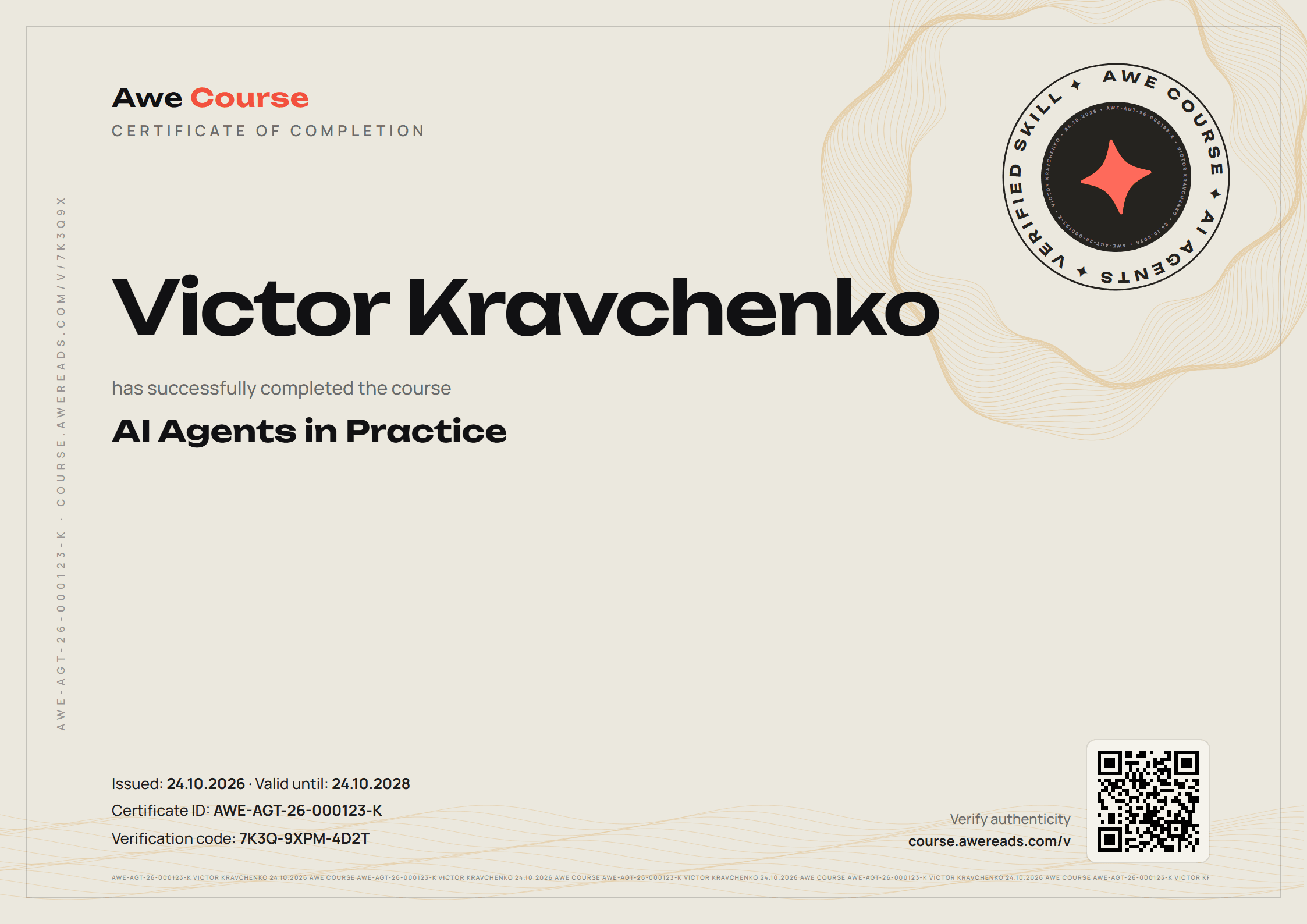
A certificate that is hard to fake and easy to check
- 1Strict exam. Timer, one attempt at a time, switching tabs or windows stops the test.
- 2Public record. The QR code opens course.awereads.com/v with the holder, course and date.
- 3Signed ID. Change a name or date in the file and the verification code no longer matches.
Read before you start
Course questions
How much does a server cost?
A server for agents and a small model starts at about 10 to 20 dollars a month. GPU servers cost more, and the course shows when they are worth it.
Which hosting do you use?
The steps work on any Linux server. We show Hetzner and one provider that accepts payment from Russia and Kazakhstan.
Other courses
AI Agents in Practice
Build agents that plan, call tools and finish real tasks: inbox, CRM, reports. With retries, memory and cost limits.
Your Own AI Model
Run open models on your computer, answer questions from your own documents and tune a model to your style. No data leaves your machine.